Work with Pull Requests
AZD streamlines the pull request workflow by allowing you to create, view, and manage PRs directly from your JetBrains IDE.
View Pull Requests
The tab provides a comprehensive list of all PRs in your repository.
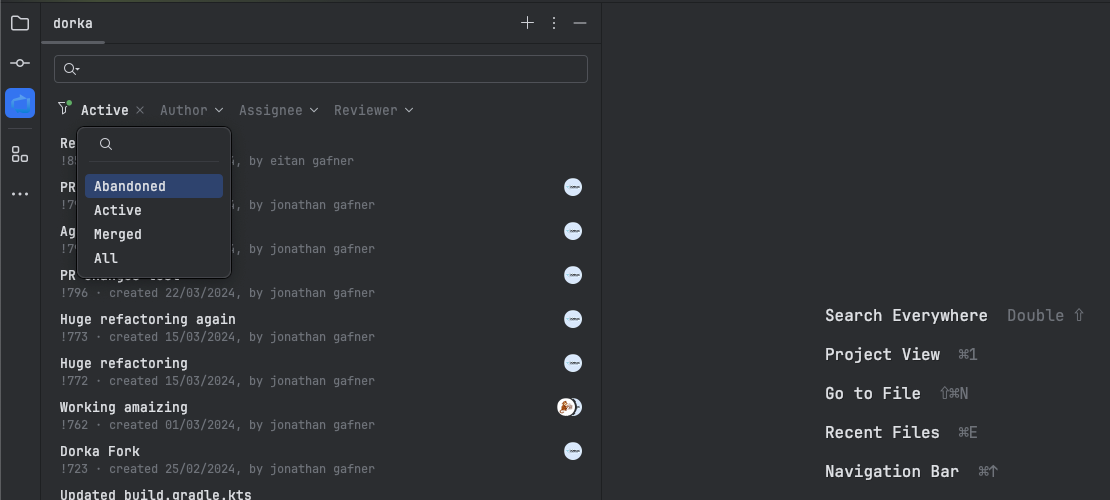
Use the new sort button to quickly find the PRs that need your attention.
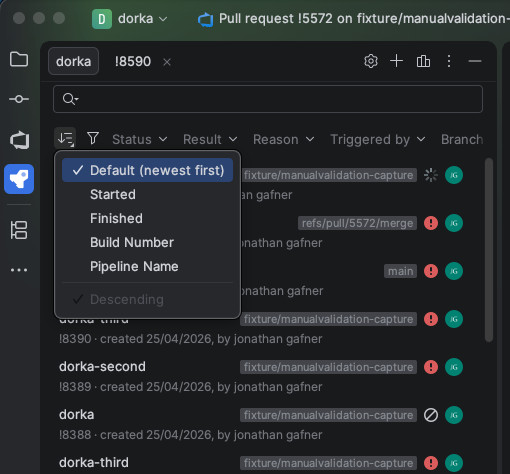
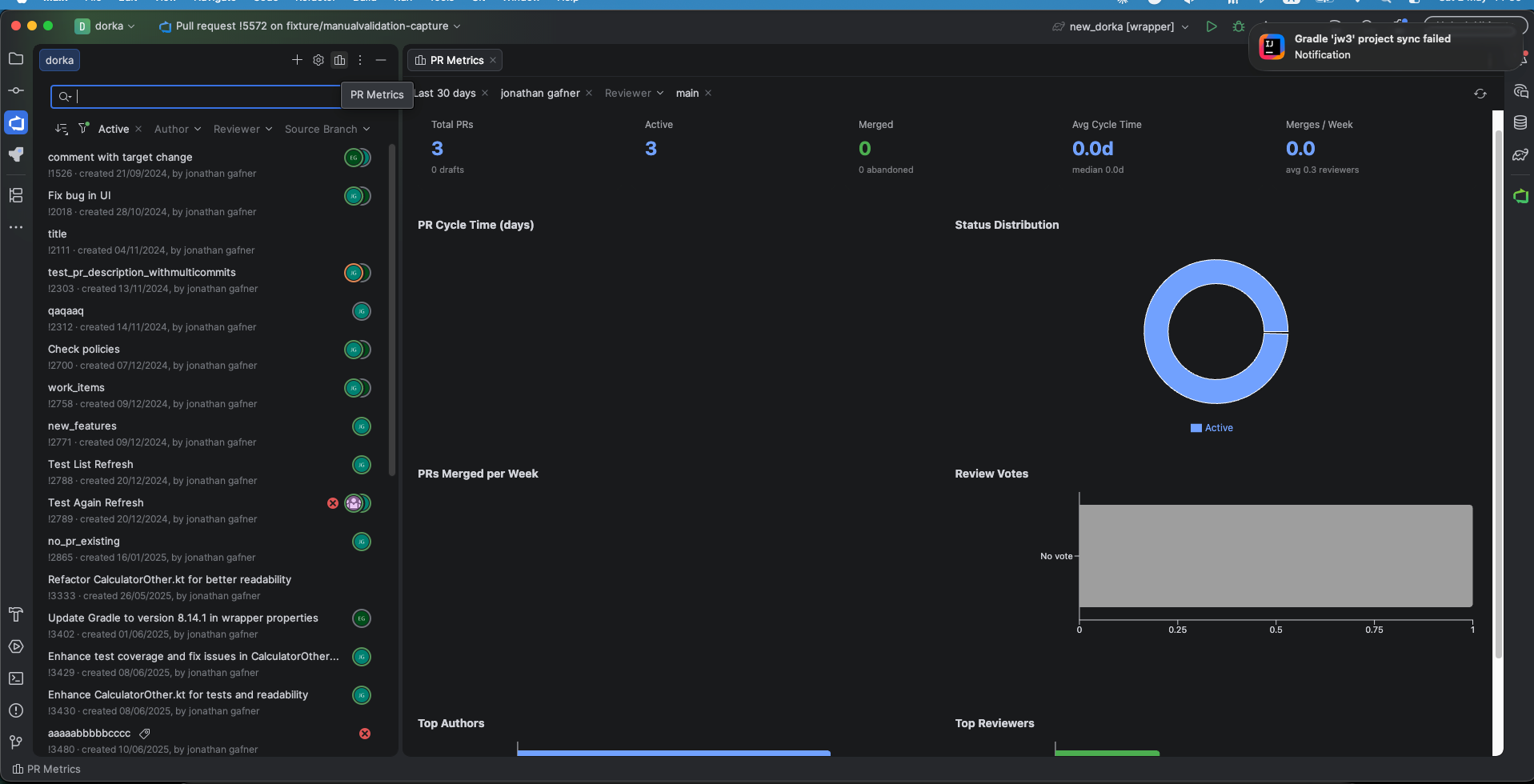
PR Metrics
Analyze your team's performance with the new PR Metrics Dashboard.
Create a Pull Request
Navigate to the tab and click the button.
Select the source and target branches.
The AI can automatically generate a title and description based on your commits.
Click to submit the pull request.
Manage Reviewers and Labels
Quickly add reviewers or labels to your pull requests using the side panel in the PR details view.
The multi-select popups have been optimized to handle large organizations without freezing the IDE.
Timeline and Navigation
The PR timeline shows all activities, including comments, commits, and status changes.
Clicking on commit links in the timeline now opens the commit details directly in the IDE.