AI for Pull Request Review
AZD now includes AI-powered pull request review capabilities to enhance your code review process.
AI Provider Options
Before using the AI review features, you need to configure your preferred AI provider in the settings:
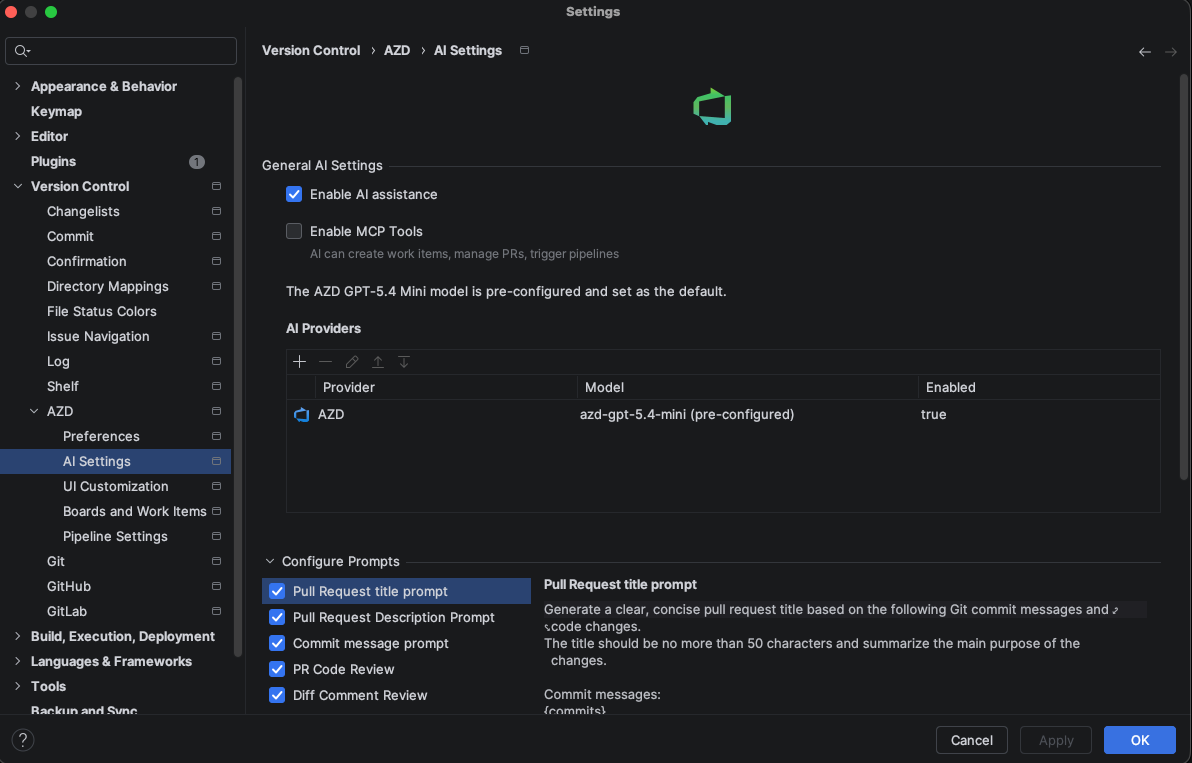
You can select from multiple providers, including support for the latest models and local execution:
Claude: Use Anthropic's Claude models, including the latest versions. Requires an API key.
OpenAI: Use OpenAI's models including the latest GPT versions. Requires an API key.
Gemini: Use Google's Gemini models. Requires an API key.
Ollama (Local): Run models locally on your machine for maximum privacy. No API key is required, but you need the Ollama runtime and a model (e.g.,
llama3) installed.AZD AI Provider: The default built-in provider. This is a proxy to the latest AI models provided via the plugin subscription (no personal API key required).
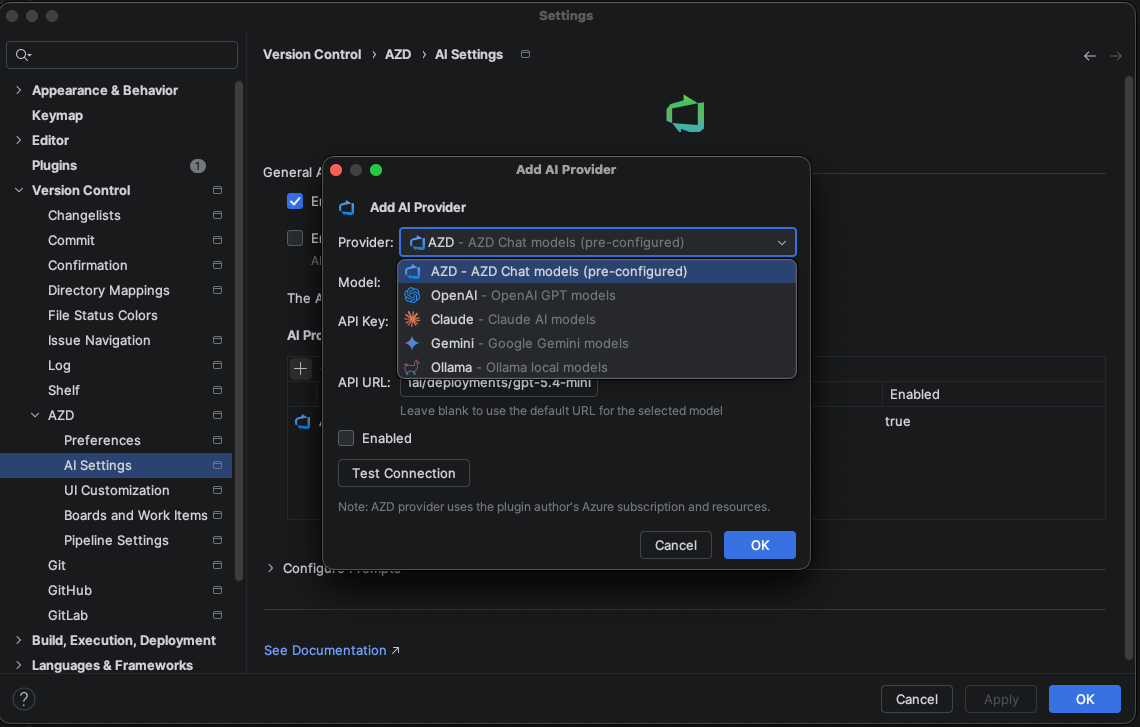
Customizing AI Reviews
Configure the AI review system to match your team's needs:
Set the scope and depth of AI analysis
Define custom rules and coding standards for the AI to enforce
Adjust sensitivity for different types of suggestions
Key Features
Once configured, the AI pull request review offers several powerful capabilities:
Automated code quality checks and best practice suggestions
Detection of potential bugs, security vulnerabilities, and performance issues
Suggestions for code improvements and refactoring opportunities
Summary of changes with highlighted critical areas for human review
AI-Assisted Code Reviews
Get intelligent feedback on your pull requests with AI-powered code analysis: 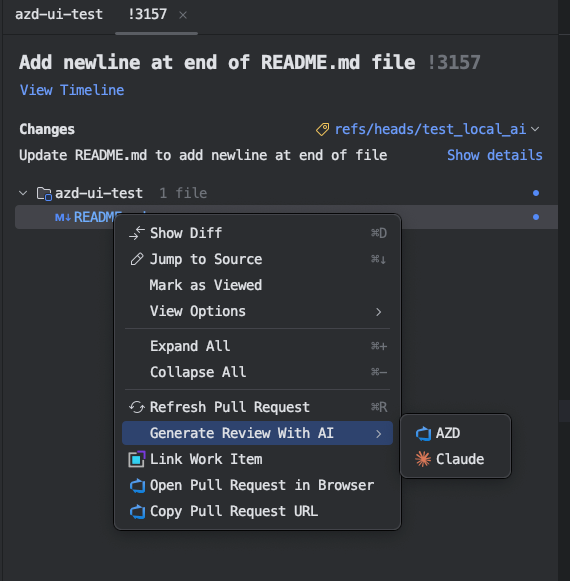
Using AI Reviews
Integrate AI reviews into your pull request workflow:
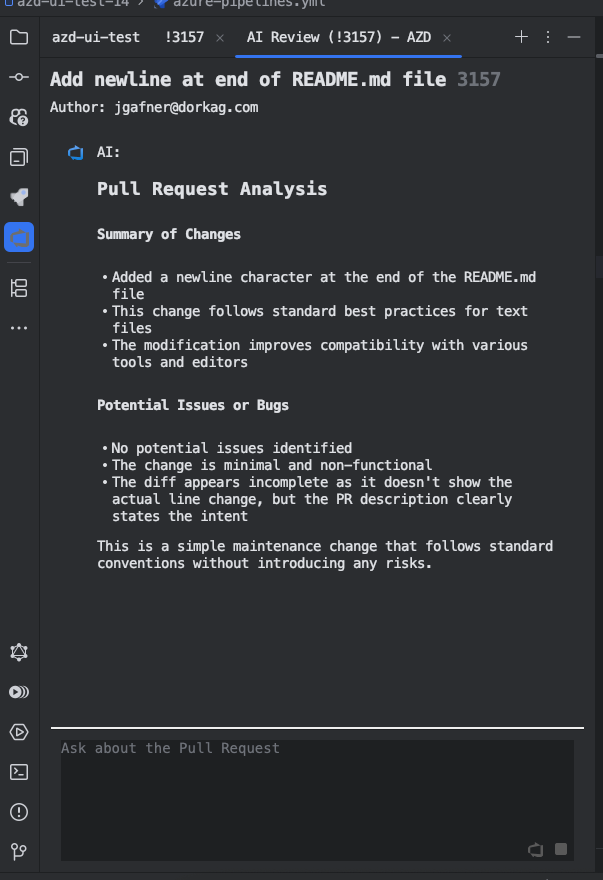
When you request an AI review, the changes from your pull request are sent to the AI chat
A chat tab is automatically opened in the IDE
After the analysis is complete, you can chat with the AI to ask for suggestions and other details about your PR
Review AI suggestions directly in the IDE's pull request interface
Use the chat to get more context and explanations about the AI's recommendations
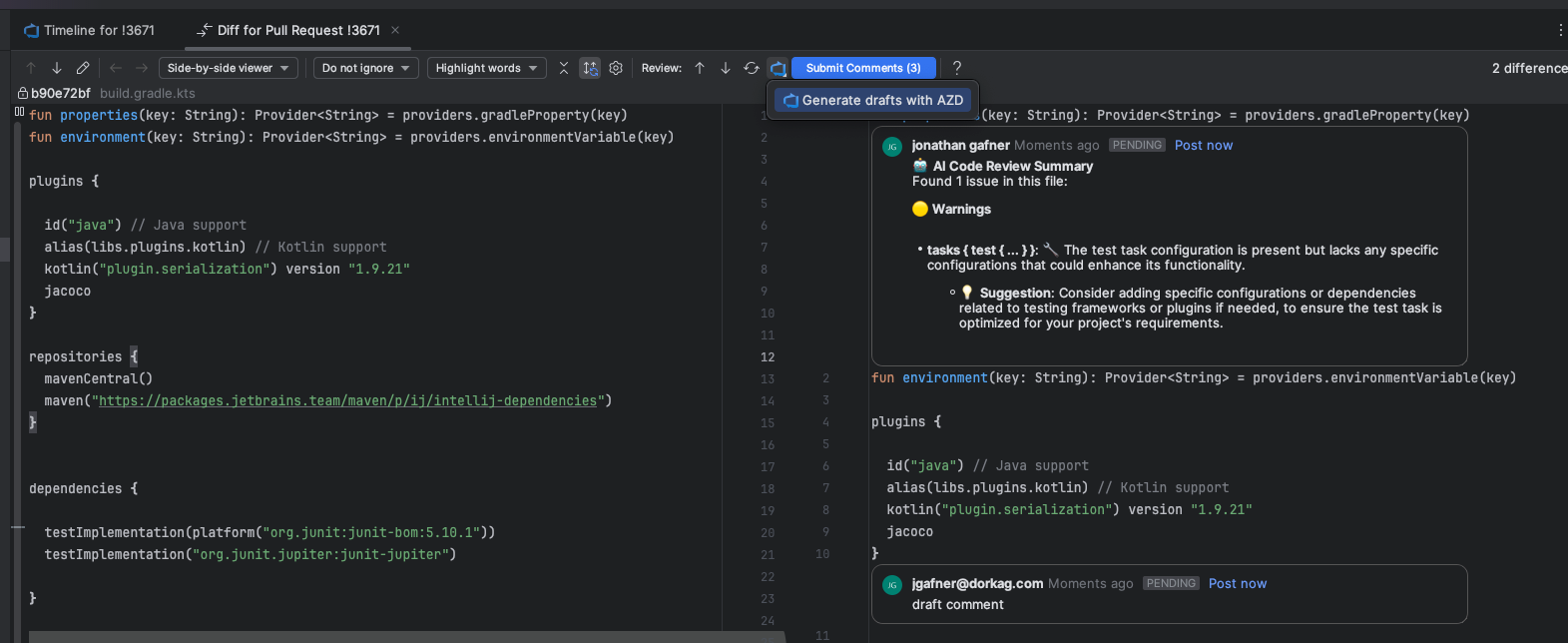
AI-Generated Comments on Code Diffs
The latest version introduces AI-generated comments on code diffs, allowing you to get intelligent feedback directly on your code changes:
Automatically analyze code changes and generate relevant comments
Identify potential issues, bugs, and improvements in the code diff
Get suggestions for better implementations or optimizations
Generate comments that can be directly posted to the pull request
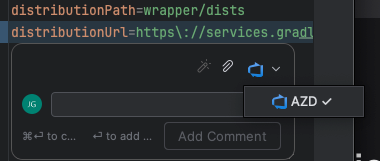
AI Draft Comments
The AI can now assist you in creating draft comments for pull request reviews, streamlining your review process:
Bulk Draft Comments: Ask the AI to analyze and post draft comments on all files changed in the pull request. This provides comprehensive feedback across the entire PR.
Single File Analysis: When viewing a specific file in the diff editor, you can request the AI to generate draft comments for that particular file only.
Review and edit the AI-generated draft comments before submitting them as part of your review.
Use the button to publish all draft comments at once, making them visible to your team.